AS Notes - Inline Image Rendering in VS Code Markdown
As of today AS Notes now supports inline image rendering in Inline Editor Mode (Inline Editor Mode is an AS Notes pro feature).
This was a feature requested by several users and in this Github Issue, so we're happy to have been able to ship it in version 2.5.0 available on VS Code Marketplace and Open VSX.
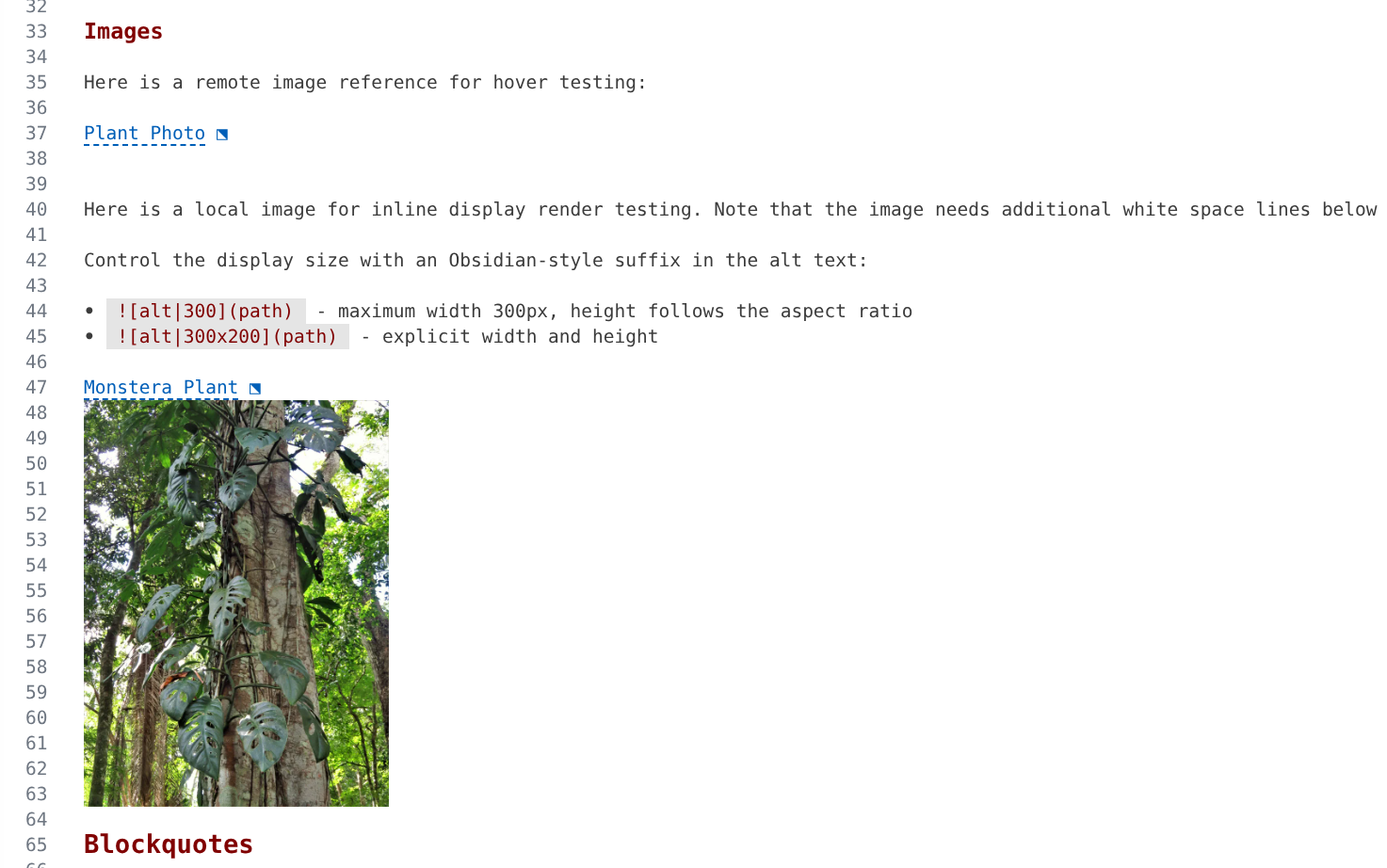
Provided there are some white space lines below the image, AS Notes can render the image inline in the VS Code editor, saving the user from having to hover to see the image. Clicking the image hides it so the user can access the text editor to make changes.
From the docs:
A local image whose tag is alone on its line and followed by at least one blank line renders directly in the document - no hover needed. The rendered alt text stays visible as a link on the image's own line (hover it for the preview popup, as usual); the picture draws into the blank lines below it (the granted space), shrinking to fit, with the last blank line kept clear as a margin so the picture never touches the following text. Because VS Code cannot grow a single line's height, the blank lines are what give the picture room - want a bigger image? Add more blank lines below it.
Control the display size with an Obsidian-style suffix in the alt text:
- maximum width 300px, height follows the aspect ratio- explicit width and height
The size hint is a maximum in the editor: the image never grows beyond the granted space and never overlaps text. In published HTML the hint is applied exactly, as width/height attributes with a clean alt.